
Side-panel workspace
Open product context, task chat, and metric views without leaving the page you are working on.
Browser-native SaaS growth
The Fabu side panel keeps the information you need close to the tab where growth work actually happens.
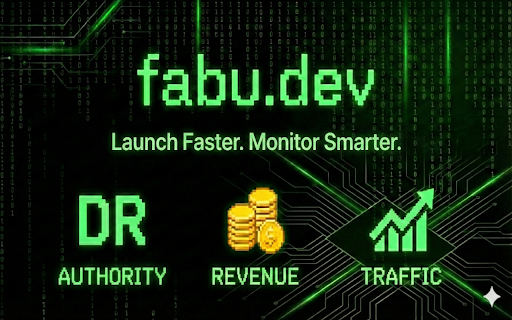
Fabu side panel
Product context and browser tasks
Traffic
OpenPanel or Vercel
Revenue
Stripe history
Domain Rating
Saved snapshots
Start an assisted task with the current product details, then review its progress in the side panel.
The problem
Founders lose time copying product details and switching between monitoring tools. A browser-native workspace reduces that context switching.
What Fabu supports today
Open product context, task chat, and metric views without leaving the page you are working on.
Configure Stripe plus OpenPanel or Vercel traffic sources per product.
Pause, resume, or cancel an in-progress browser task from the extension.
How it works
Trust and control
Add Fabu to Chrome and start with the product signals you already use.